First: Duolingo has its own version of this now
If you arrived here searching for how to make Duolingo block your apps, you are probably looking for Focus Mode, a Duolingo feature announced in 2026. It is optional and it lives inside Duolingo itself: you pick the apps to restrict, set how many lessons you want to finish first, and grant Duolingo access to your device’s screen time controls. Open a restricted app before you hit the target and Duolingo nudges you back to the lesson.
Two honest caveats, because they decide whether it is enough for you:
- It has been rolling out gradually. Duolingo described it as an experiment, so it may not have reached your account or your platform yet. If you cannot find it, check for an app update and look in Duolingo’s own settings rather than your phone’s.
- Turning it off is done inside Duolingo, in the same place you switched it on. Because the exact wording moves between releases we are not going to print a tap-by-tap path here that may already be wrong.
If Focus Mode does what you need, use it. It is free, it is built by the people who make the lessons, and it needs no second app. The rest of this page is for the case where it is not enough: when you want the block to cover more than one habit, or you want something you cannot wave away in the moment you most want to.
Why the streak survives and the learning doesn't
Duolingo already solved motivation. The streak, the reminders, the owl. What it didn't solve is the twenty seconds before you open it, when Instagram is one thumb-reach away and costs nothing. So the streak gets saved at 11:58pm with the easiest lesson you can find, and the actual learning quietly stops.
The problem isn't that you don't want to practise. It's ordering. Practice loses every race against a feed because the feed starts first and never asks you to think.
The setup (five minutes, once)
Block what beats you to it
Instagram, TikTok, YouTube, Reddit, whatever you actually open first. In Broc these show a wall instead of a feed. Leave Duolingo off this list. It's the thing you're trying to reach.
Add practice as a timed habit
"Duolingo, 10 minutes." Timer verification means the minutes have to run before it counts, so a lesson you clicked through in ninety seconds doesn't buy you an evening.
Or verify with a photo
If you'd rather not sit against a timer, mark the habit done and let AI photo verification check a photo of the finished lesson screen. Slower to fake than a checkbox.
Pick how the unlock pays
Per habit, practice buys a set number of minutes. All habits first, and nothing opens until the whole day's list is done. Start with per habit.
What Broc can and cannot verify
Worth being exact, because plenty of pages on this topic aren't.
- It cannot read your Duolingo account, lesson history, XP or streak. There is no integration and no automatic detection of a completed lesson.
- It can require a timer to run for the length you set, measured on the device.
- It can require a photo when you mark the habit done, and check with AI that the photo matches what the habit says.
- It is not uninstall-proof, and neither check is unbeatable. Someone determined to cheat a system they installed themselves will manage it. The point is to make the lazy path harder than the real one.
Why this works better than a reminder
A reminder is a request. You can swipe it away while already scrolling, and you will. This setup doesn't ask. By the time you reach for the feed, the choice isn't "practice or scroll", it's "practice or a locked phone". The craving that used to cost you the lesson now delivers it, because practice is the only door the feed opens through.
The first few days are irritating. That's the setup working. Most people report the second week feels normal and the practice has stopped being a negotiation.
Adjusting it without breaking it
- Busy day: shrink the habit to five minutes rather than switching the wall off. A small session keeps the chain alive.
- More than one language: one habit per language, each paying its own unlock, or a single "language practice" habit if you'd rather keep it simple.
- Practising on a laptop: Broc blocks selected apps on your iPhone or Android phone, not desktop programs. If you study on a computer, the phone wall still keeps the phone from being the escape route.
Common questions
Should I block Duolingo itself?
No. Blocking it would mean you can't do the thing that unlocks everything else. Block the apps that compete with practice, not practice.
Can I just photograph an old lesson screen?
You can. You'd also be at the point of curating a fake screenshot library to defeat an app you paid for, which is more effort than the ten minutes of Spanish. The check is a tripwire, not a prison.
Does this work for Anki, Babbel or anything else?
Yes. Nothing here is Duolingo-specific. The habit is whatever you name it, so the same setup covers flashcards, a textbook chapter or handwriting drills.
What does Broc cost?
Broc is a subscription with a 7-day free trial. One plan, everything in: unlimited habits, custom unlock durations, AI photo verification and full history. No ads.
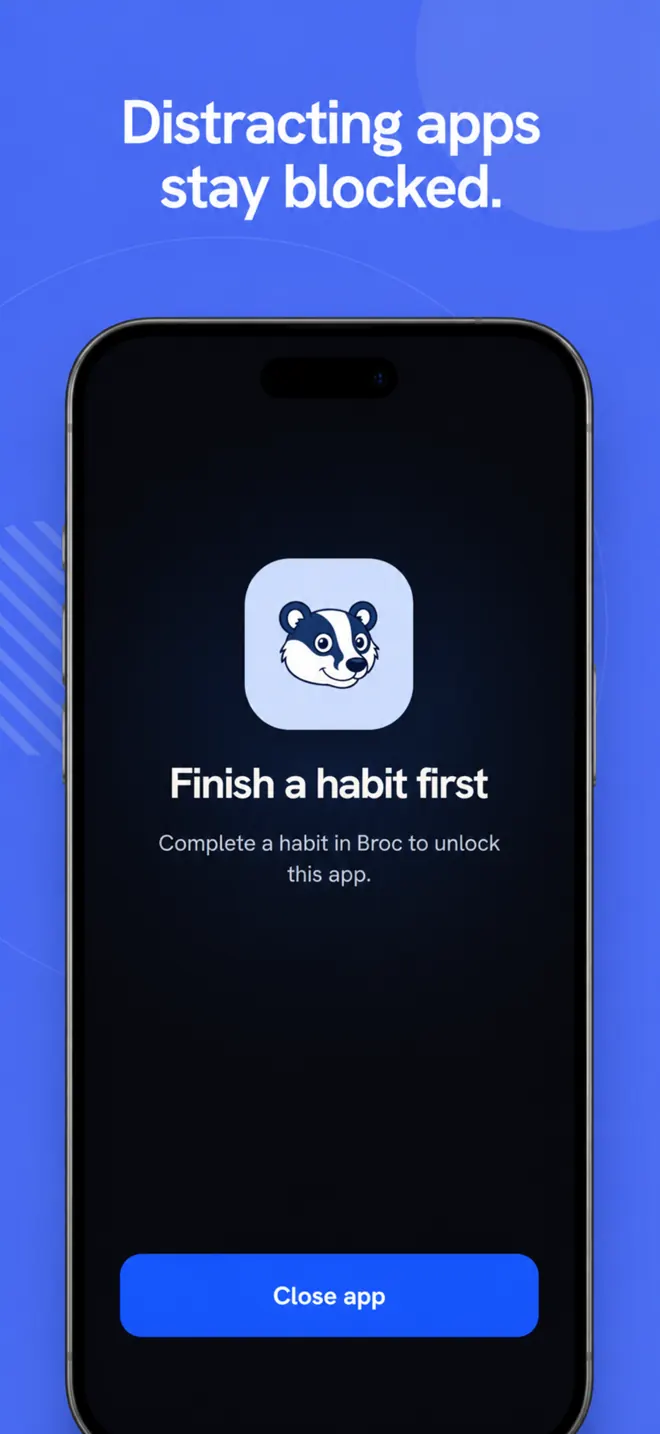
The feed opens when the practice is done.