The loop
Block
Choose the apps that pull you in. iPhone uses Apple's Screen Time shields; Android redirects a selected app to Broc's habit wall.
Do the habit
Set anything concrete: read 10 pages, work out, meditate, tidy up. Give each habit its own proof method and unlock duration.
Prove it (your choice per habit)
Photo: snap the open book or the gym and Broc's AI checks it matches. Timer: the minutes count while you stay in Broc. In app: complete time in another chosen app. Or use a direct tick when proof is unnecessary.
Earn and spend
Completed habits unlock screen time. Earned time is consumed only while a selected app is being used. Progress shows the last four weeks and what Broc stopped.
The two unlock modes
Per habit makes each habit's reward time available as soon as that habit is complete. All habits first keeps the whole block list closed until the daily list is cleared. Exam weeks, training blocks, and mornings are natural uses; see the morning setup.
Reward time works as a usage budget. It decreases while a selected app is in use and remains available when you leave. The older window timer is no longer offered in the current app.
Verification, honestly explained
The tap-the-box lie is how most habit apps die, so Broc closes it. Photo verification sends your snap through an AI check: does this look like an open book, a gym, a made bed? It sees the photo you chose to take, checks it, and doesn't build a gallery of your life; details in the verification guide. Timer verification is simpler: the countdown runs while Broc stays open, pauses when you leave. Both exist so the unlock means something.
Permissions: what Broc sees and doesn't
| Platform access | Why | Privacy boundary |
|---|---|---|
| iPhone Screen Time | Select and shield apps, categories, or websites | Apple gives Broc private tokens, not app names or usage history |
| Android Usage Access | Compare the foreground app with your block list | Cannot read content, messages, or browsing history |
| Android Appear on top | Show Broc's wall over a selected app | Used only for the blocking surface |
| Camera (optional) | Photo verification, only when you take a photo | Never records in the background |
| Notifications (optional) | Daily reminders | Off means off; blocking works without them |
No keylogging, no screen recording, no location tracking. The full detail lives in the privacy policy.
What Broc deliberately doesn't do
- No uninstall prevention. Broc deliberately leaves app removal available. Its counterweight is your streak: deleting a visible three-week record is a decision, and that's the point. More in the bypass guide.
- No snooze, no "5 more minutes." The wall has no negotiation surface. That absence is the product.
- No ads, no data selling. The subscription is the business model, full stop.
Pricing
Broc requires an active subscription after any introductory trial shown in your app store. One plan includes unlimited habits, custom unlock durations, photo verification, and progress history. Account-backed habit data syncs, while Apple's private Screen Time selections remain on the iPhone. Broc is available on the App Store and Google Play.
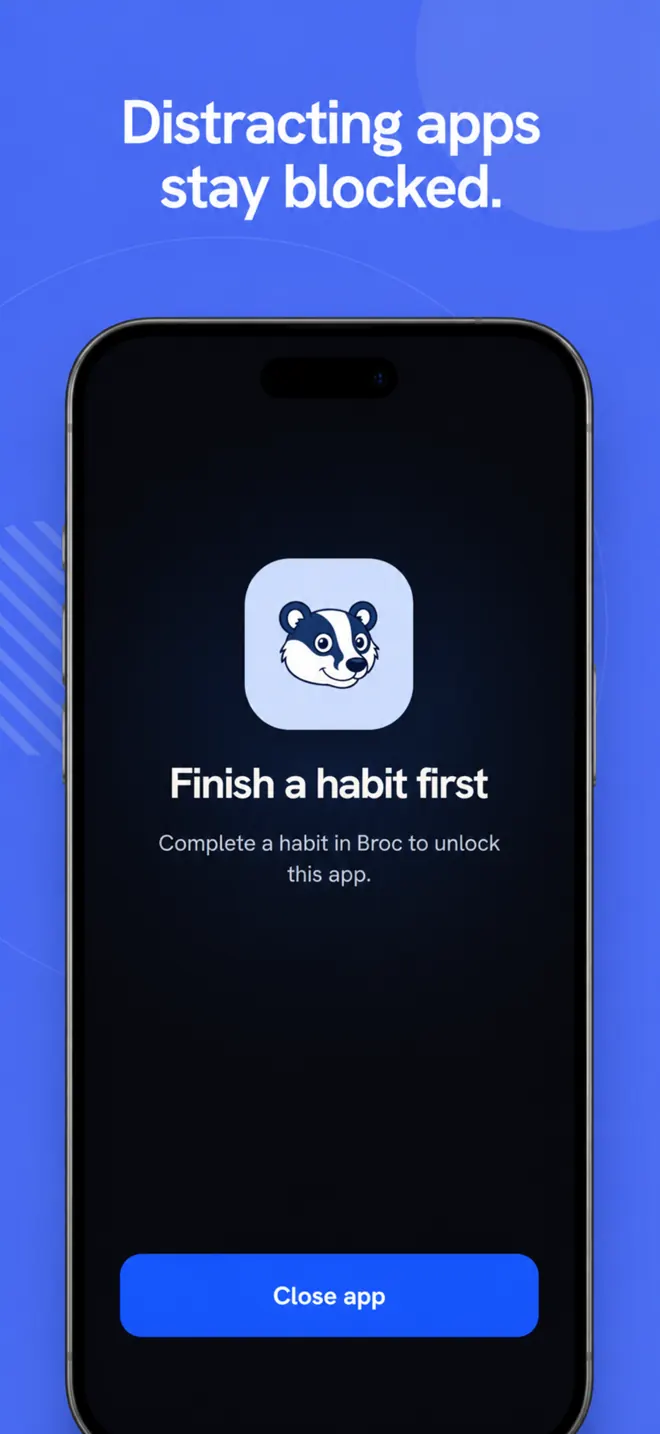
Set the wall up in minutes. Your store shows the current trial and price.