How this list works
Disclosure: Broc is our app; it's in the list and we've said exactly where the others beat it. Every claim below is checkable on the Play Store. We rank by bypass difficulty because that's where every blocker lives or dies: features don't matter if you can wave them off at your weakest moment. The full theory is in why you bypass every app blocker.
The seven
| App | Best for | Bypass difficulty | Price |
|---|---|---|---|
| Broc | Unlocks tied to real, verified habits | High | Subscription, 7-day trial |
| Stay Focused | Schedules, limits, a real strict mode | Medium-high | Freemium |
| AppBlock | Polished limits and website blocking | Medium | Freemium |
| minimalist phone | Whole-launcher minimalism | Medium | Freemium |
| ScreenZen | Free pauses; blocking Reels/Shorts only | Low-medium | Free |
| one sec | A science-backed breathing pause | Low | Freemium |
| Forest | Pomodoro focus sessions with friends | Low | Paid |
The short version of each
Broc: the habit gate
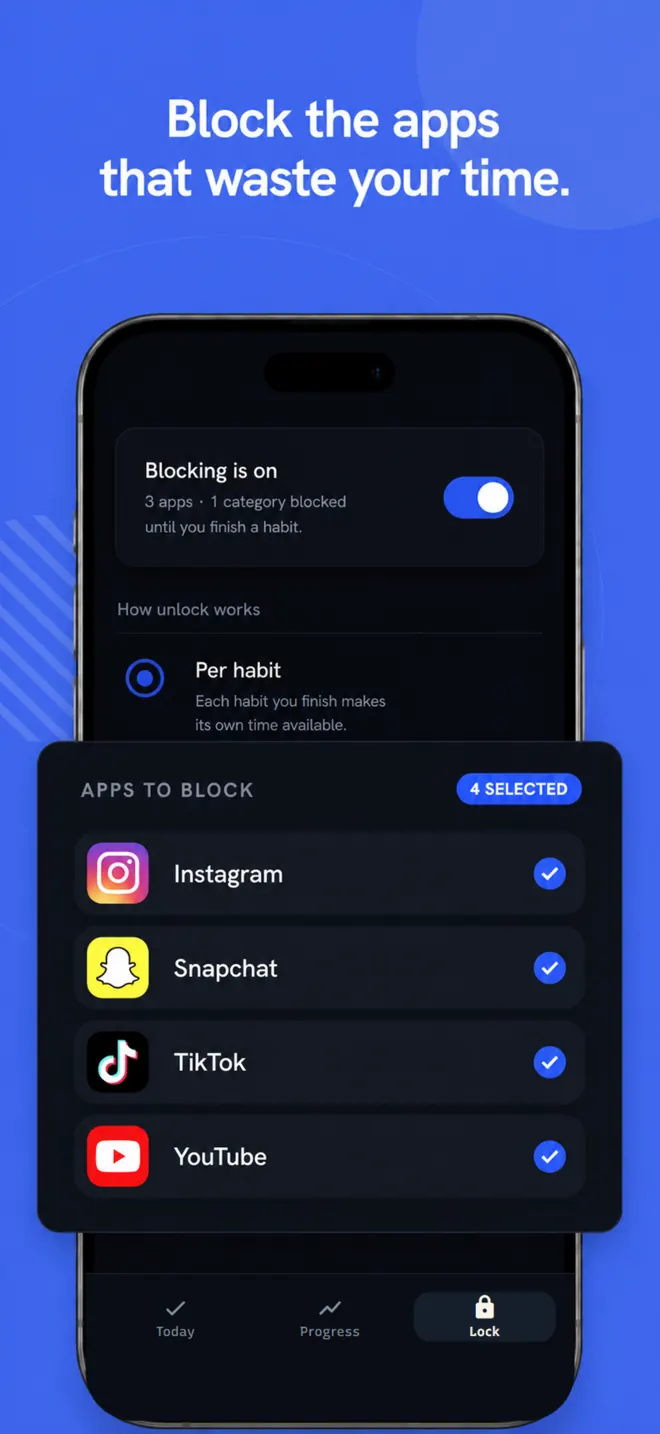
Block the apps that pull you in; they stay locked until your daily habits are done. Habits are verified with an AI photo check or an in-app timer, each one earns screen time, and streaks make quitting expensive. It is the highest-friction habit gate in this comparison: there is no in-app snooze button, only a habit to do. This comparison covers the Android version; Broc is also available on iPhone.
Stay Focused: the scheduler
The power tool: per-app limits, hourly schedules, launch counts, and a strict mode that locks its own settings. If your life runs on a timetable, it's a strong pick. It's still timer logic: when the block ends, nothing was built.
AppBlock: the all-rounder
Clean interface, app and website blocking, location and Wi-Fi based rules. Comparable territory to Stay Focused; pick whichever interface you prefer.
minimalist phone: the launcher
Replaces your home screen with a text-only list and adds friction at the launcher level. Changes how the whole phone feels rather than blocking specific apps. Pairs surprisingly well with a blocker.
ScreenZen: the free pause
Pauses, reflection prompts, usage goals, and notably: blocking just the short-form feeds (Reels, Shorts) inside apps. The best free starting point. Our full head-to-head: ScreenZen vs Broc.
one sec: the breath
One deliberate breathing exercise before the app opens, with research behind the approach. Great for surfacing the autopilot open; gentle by design, and gentle is exactly what some people need. Not what most of our readers need by the time they're searching for lists like this.
Forest: the tree
Plant a virtual tree, stay off the phone or it dies. Lovely for timed focus sessions, especially with friends. As an always-on blocker the stake is imaginary, and week four you know it.
The honest decision tree
- Never tried anything? Start free: ScreenZen.
- Need schedules and a settings lock? Stay Focused or AppBlock.
- Want the whole phone calmer, not just blocked? minimalist phone.
- Timed deep-work sessions with a friend? Forest.
- Bypassed all of the above? That's the gap Broc exists for: a habit app blocker where the only way through is doing something real.
Common questions
Is there one that can't be uninstalled?
Broc does not prevent uninstall. Some Android device-management modes and strict blockers can restrict uninstalling or settings changes, but the details vary. For a normal consumer setup, check exactly which protections are offered and what recovery path remains.
What does Broc cost?
Broc is a subscription with a 7-day free trial. One plan, everything in: unlimited habits, custom unlock durations, AI photo verification and full history. No ads.
Method and sources
Reviewed 14 July 2026. Broc is our app. This is an editorial comparison of the controls described in each developer's current Android listing, not a claim that every app was lab-tested on every phone. “Bypass difficulty” means how much documented friction remains after a block appears.
Official sources: ScreenZen, Stay Focused, AppBlock, minimalist phone, one sec, Forest, and Broc. Features and prices can change; check the listing shown in your region before buying.
Ranked yourself out of the gentle options? There's one deal left.
Download on the App Store Get Broc on Google Play