The one-line definition
A habit app blocker locks your distracting apps until you complete real-world habits. No countdown, no "take a breath" prompt, no ignore button. The feed opens when the reading, the workout, or the studying is done, because that's the deal you set.
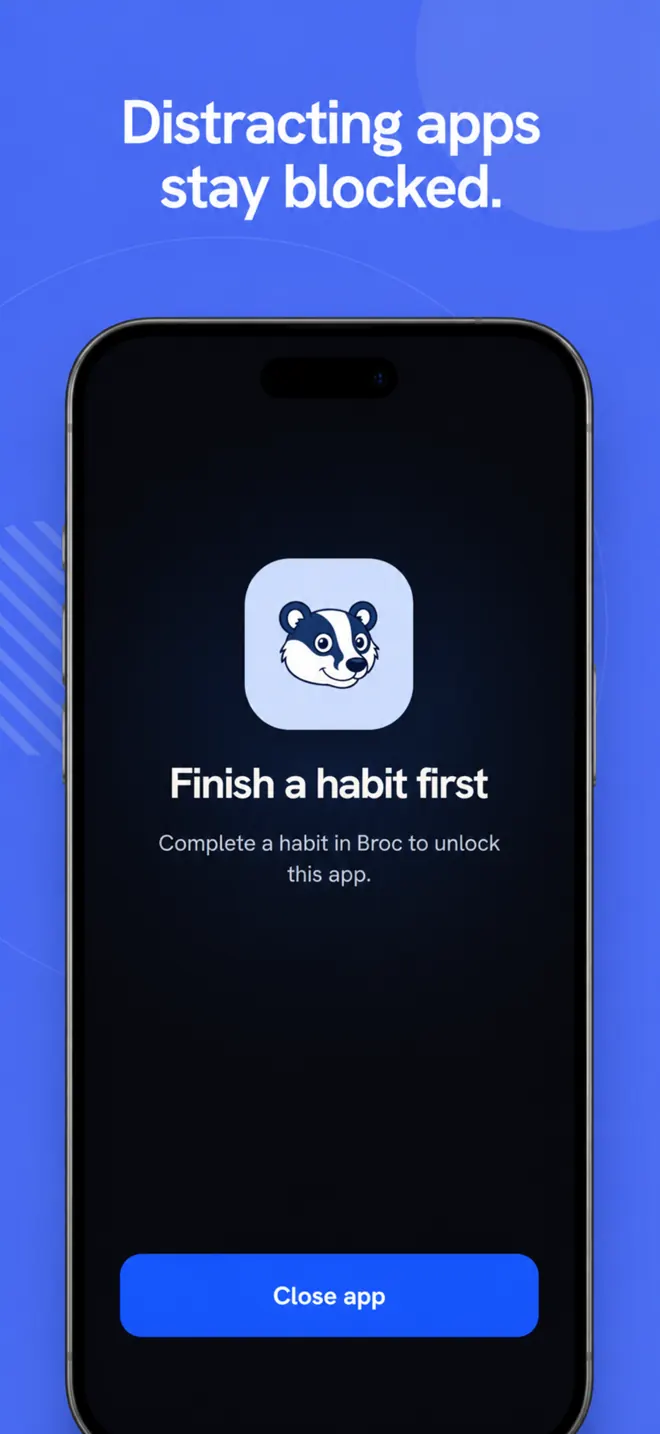
Broc is a habit app blocker for iPhone and Android. You pick the apps that pull you in (Instagram, TikTok, YouTube, games), set your daily habits, and every finished habit earns minutes of screen time. Open a blocked app early and you see your habit list instead of the feed.
Why timers keep failing you
Every screen-time tool you've already tried runs on the same engine: measure the minutes, then ask you to stop. Android's Digital Wellbeing app timers can be removed in Settings before midnight, and Focus mode lets you take a break. They share one hole: the person who set the rule can also waive it when tired.
A habit app blocker changes what the exit costs. There is no snooze to hold down. The only way through the wall is doing the thing you already wanted to do. Willpower stops being the mechanism and becomes the byproduct.
How Broc's habit gate works
- Block: choose any apps on your phone. Opening one shows the wall: your habits and what each one earns.
- Do the habit: read ten pages, train, meditate, study, walk the dog. Anything you set.
- Prove it: AI photo verification checks a photo of the finished habit (the open book, the gym). Timer verification counts minutes only while you stay in the app. Your call, per habit. More in the verification guide.
- Earn it back: per-habit mode gives each habit its own unlock minutes. All-habits-first mode keeps everything locked until the whole list is cleared.
- Keep score: streaks and a four-week grid per habit turn follow-through into something you can see, and won't want to break.
Habit gate vs the other approaches
| Approach | Unlock condition | The hole |
|---|---|---|
| Screen-time limits (Digital Wellbeing) | Timer runs out, asks you to stop | The timer can be removed in Settings |
| Pause apps (one sec, ScreenZen) | Wait through a delay or prompt | A delay can be outlasted |
| Gamified blockers (Forest) | Don't touch the phone or the tree dies | The stake is imaginary |
| Habit app blocker (Broc) | A real habit gets done, optionally verified | You'd have to lie to a camera |
Full comparison with names and prices in the app blocker comparison guide.
Who this works for
- Students who need the feed closed until the studying is done.
- Anyone managing ADHD who needs a hard stop, not a gentle nudge.
- Gym-goers making the workout non-negotiable before Instagram opens.
- Anyone who has bypassed every blocker they ever installed.
Common questions
Can't I just uninstall it?
You can, and Broc doesn't pretend otherwise. But uninstalling a wall you built yourself is a real decision that kills a visible streak. Editing a timer was a reflex. That difference is the whole mechanism.
What does it cost?
Broc is a subscription with a 7-day free trial. One plan, everything in: unlimited habits, custom unlock durations, AI photo verification and full history. No ads.
What does Broc see on my phone?
Only which app is open right now, to compare against your block list. No keylogging, no screen recording, no browsing history. Details in the privacy policy.
Android controls checked
Reviewed 2 September 2026. The description of Android timers and Focus mode follows Google's current Digital Wellbeing help. Broc's habit-gate behaviour was checked against the current iPhone and Android implementations.
Block the apps. Do the habit. Earn it back.